
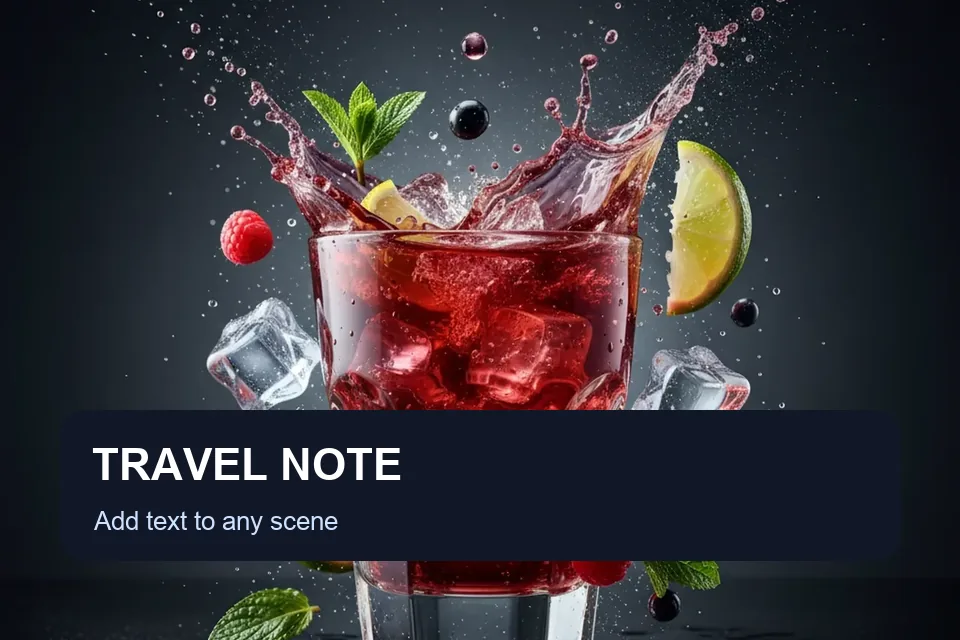
Caption Text on Photos
Write short captions that explain the image at a glance.
Add text to photo in your browser: upload an image, edit captions or watermarks with live preview, and download a PNG. No sign-up or credits needed.
Start with a caption, watermark, product label, quote, or thumbnail preset, then adjust each text layer to suit your image.
Write short captions that explain the image at a glance.

Add a subtle owner name, handle, or copyright mark.

Place prices, SKU notes, and sale copy on product photos.

Build high-contrast title text for thumbnail images.
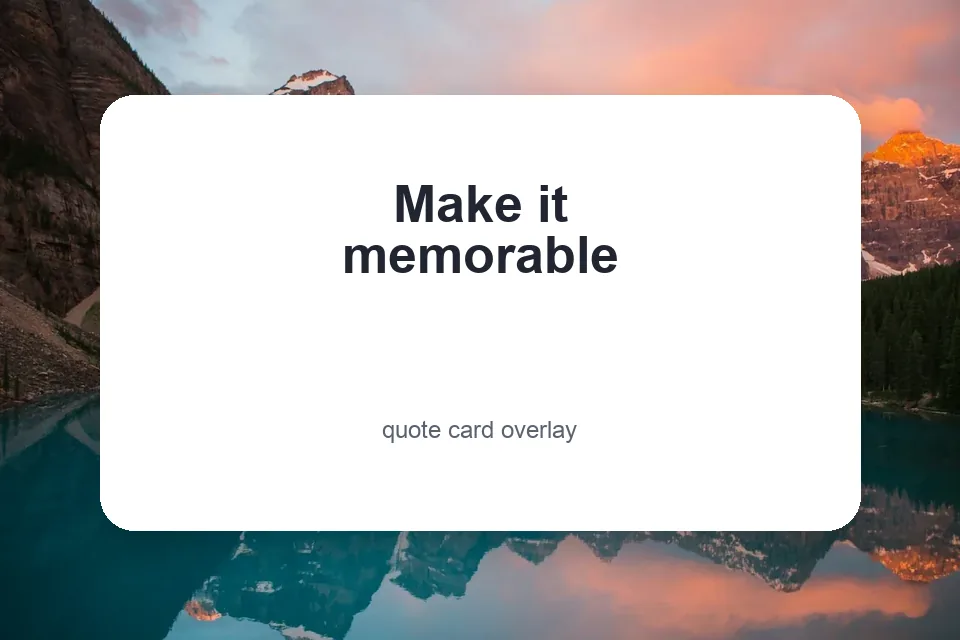
Turn photo backgrounds into shareable quote graphics.
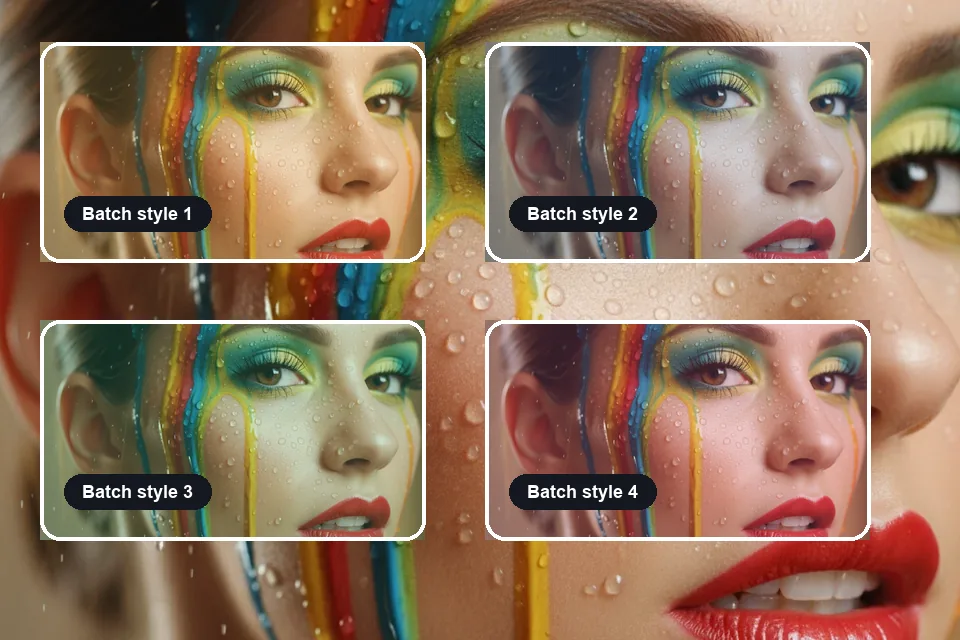
Try different captions, positions, and styles on your photo before exporting.
Use the online photo text editor to make social captions, product labels, quote cards, watermarks, thumbnail titles, and presentation notes.


Add short captions and announcement text for Instagram, Pinterest, Facebook, TikTok covers, and story graphics.
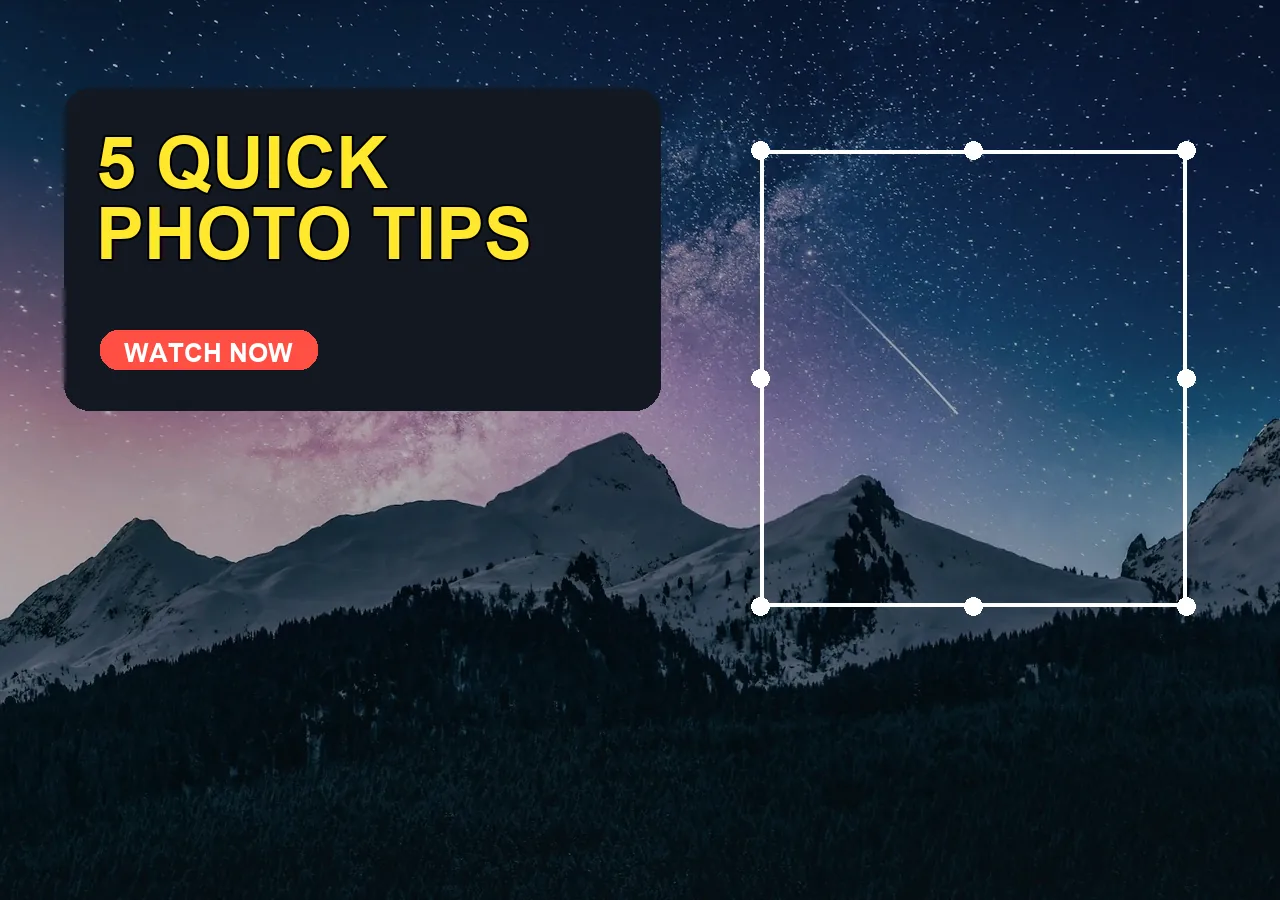

Make bold thumbnail headlines that stay readable at small sizes with contrast, outlines, and clean spacing.
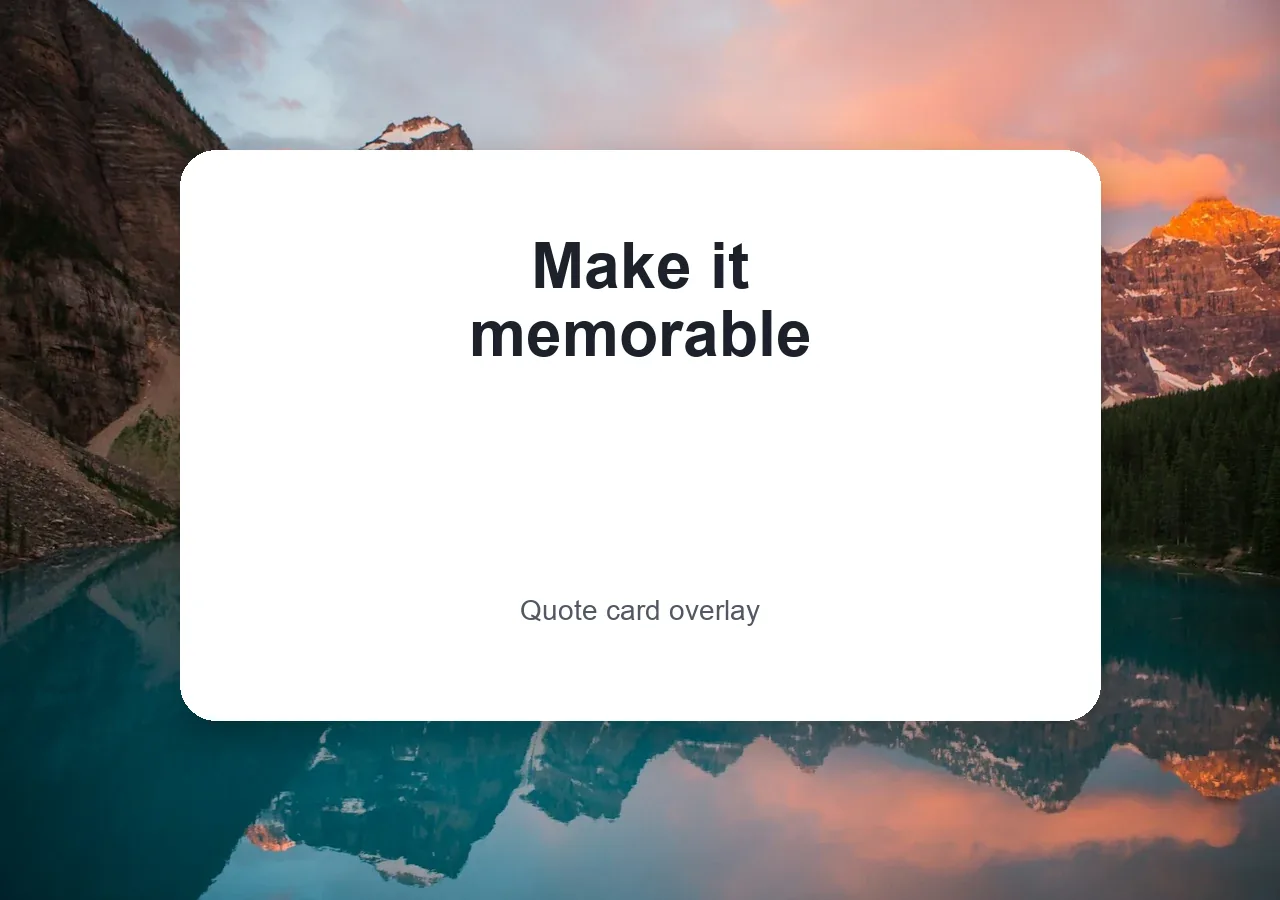
Create quote graphics, event posters, greeting cards, and motivational images from a photo background.
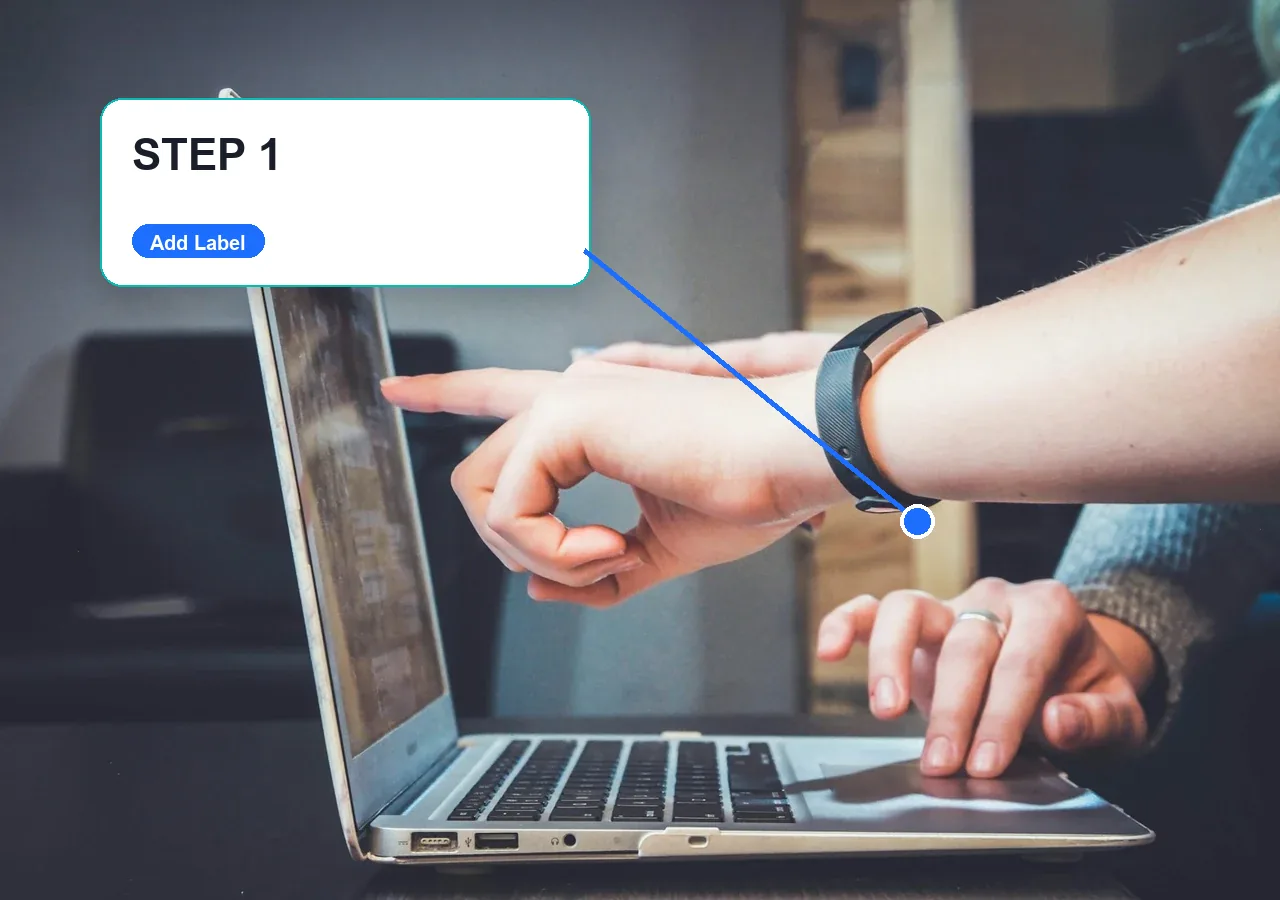

Add labels, callouts, titles, and short notes to screenshots or photos before putting them into slides.
Place a caption over a detailed photo, then adjust its font, color, outline, shadow, and background panel until the words are easy to read.
Add Text to Photo Free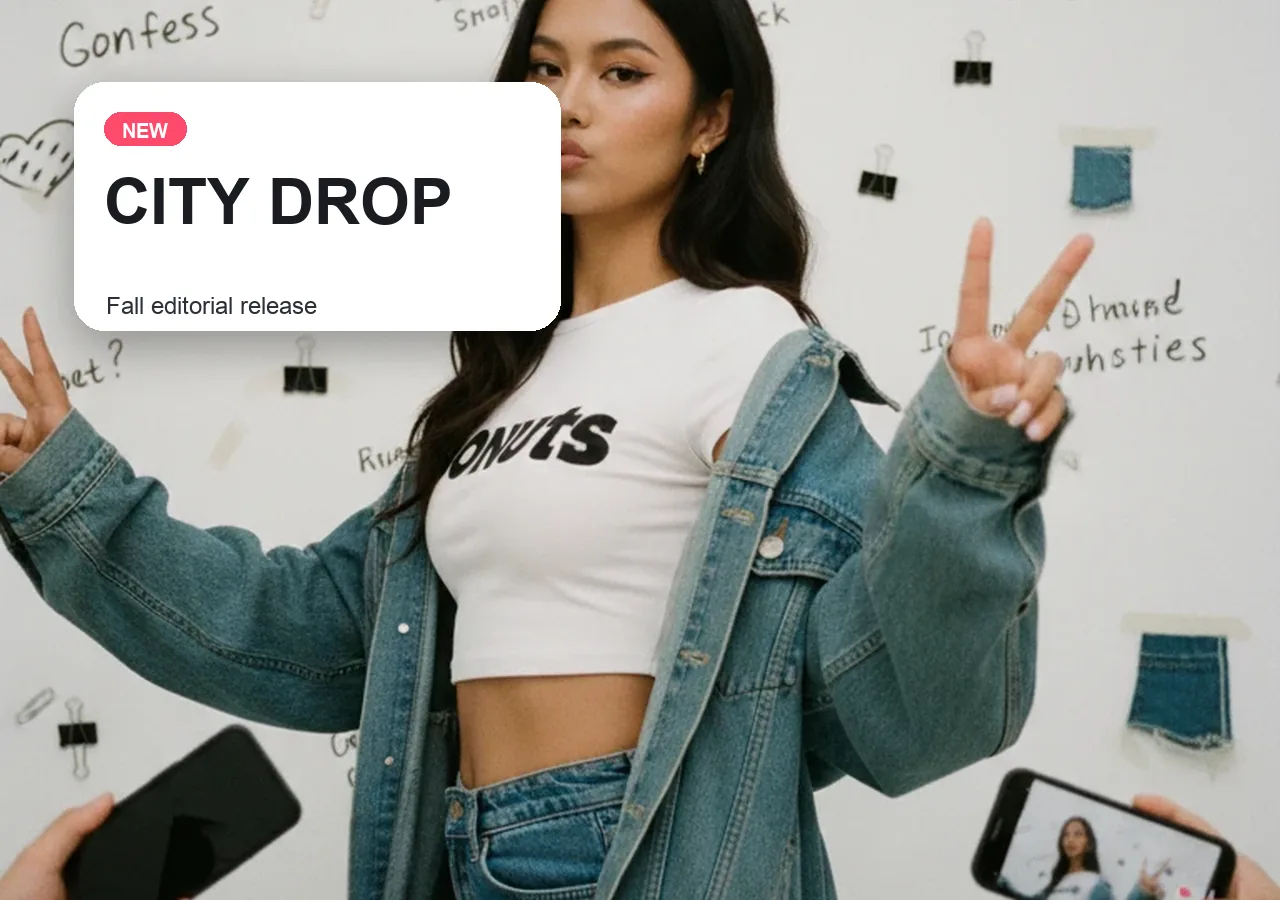
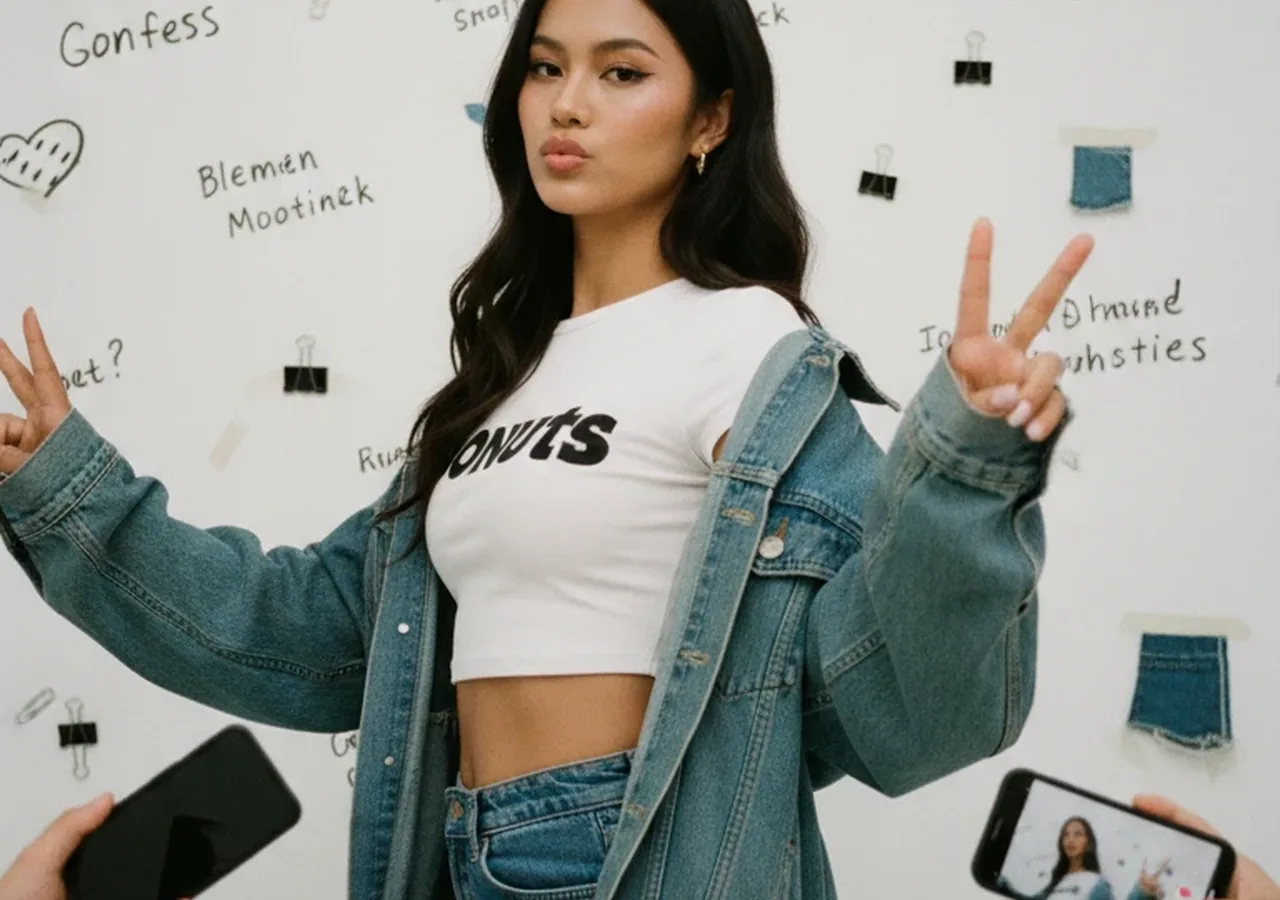
Turn a plain image into an Instagram post, Pinterest pin, announcement, or story graphic with short text that reads well on mobile.
Add Text to Photo Free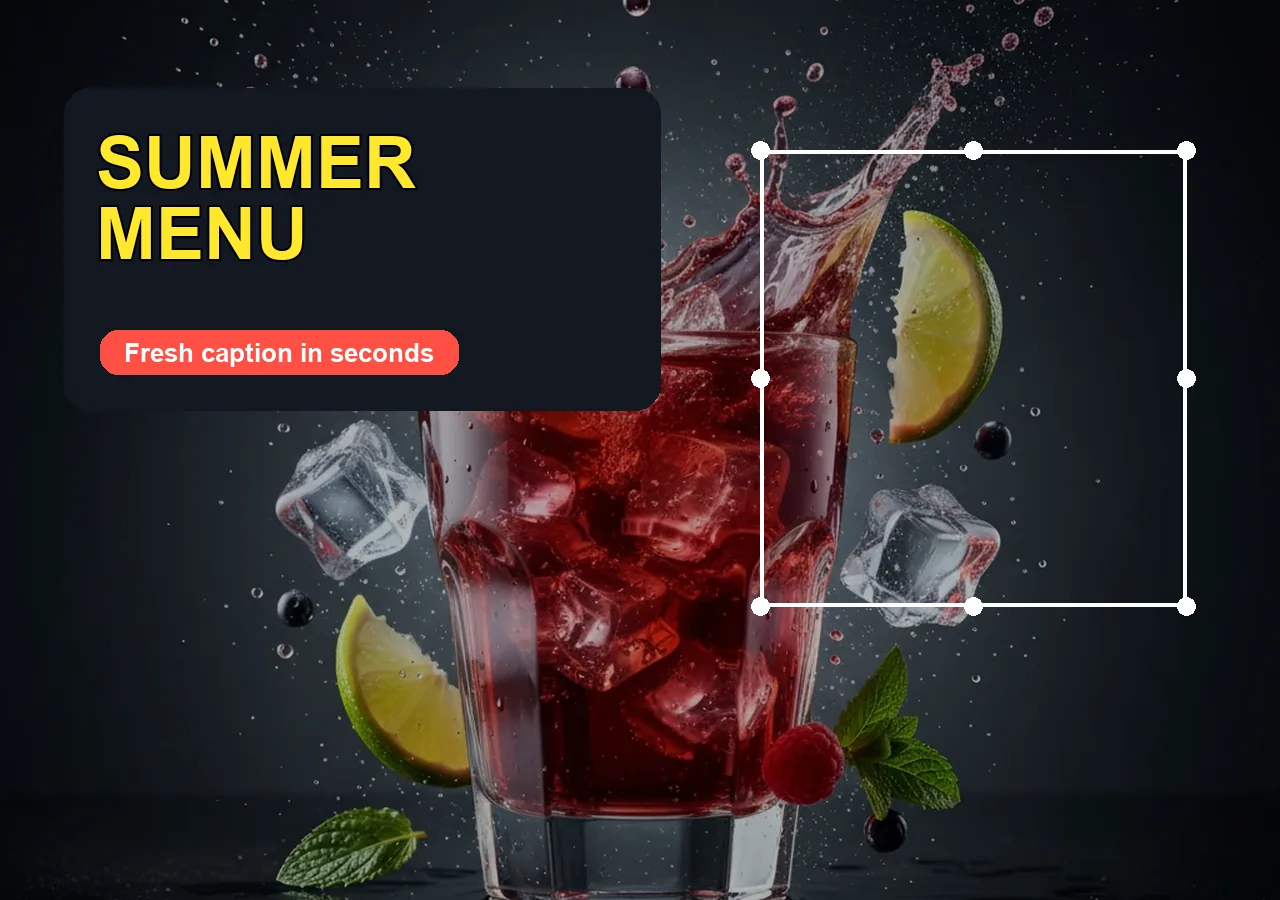

Create ecommerce product labels, sale badges, price notes, and campaign headlines without opening a heavy design app.
Add Text to Photo Free

Protect preview images with subtle account names, brand marks, copyright notes, or transparent watermark text before you publish.
Add Text to Photo Free

Upload an image, write and style your text, then download the finished photo as a PNG.
Choose a JPG, PNG, or WebP image under 15 MB. Your photo opens in the browser editor.
Type your caption, label, title, quote, or watermark. Move the text and adjust its font, color, size, opacity, shadow, or background.
Download a PNG with your text and logo layers included, ready for social posts, listings, or presentations.
Place words where they belong, preview every change, and export the photo at its original dimensions.
Use contrast, shadow, outline, and background panels so captions stay clear on detailed images.
Start from a caption preset, then move, resize, recolor, or duplicate individual text layers.
Open the page, upload a photo, add text, and export without installing a design app.
Prepare announcement images, sale graphics, product labels, thumbnail titles, and quote cards.
Upload a logo as another layer, then position it next to a caption, label, or watermark.
Your photo stays in this browser while you add text, arrange layers, and export the result.
More tools
Move between the image jobs people usually pair together: editing, backgrounds, resizing, enhancement, and text overlays.

Retouch portraits, restore old photos, and polish details while keeping natural texture.

Remove unwanted objects, people, text, blemishes, and clutter from photos.

Detect and remove captions, dates, signs, and promotional text with precise manual controls.
Resize by pixels, presets, format, or target KB for upload limits.
Choose credits for every AI image workflow
One-time credits never expire · No subscription required
For trying a few photo edits
For small creative batches
For short product or campaign projects
For larger client workloads


Answers about adding captions, watermarks, logos, and multiple text layers in the browser.
Upload a JPG, PNG, or WebP image to the editor, type your caption, and drag it into place. Adjust the font, size, color, opacity, shadow, or background panel, then download a PNG with the text included. You can add more text layers before exporting if your design needs a title and subtitle.
The Add Text to Photo editor runs in your browser without requiring an account or credits. You can upload an image, add captions or watermarks, adjust the layers, and download the result as a PNG. The source image must be a JPG, PNG, or WebP file under 15 MB.
Choose a spot with less visual detail, then make the text contrast with the image. The editor lets you change text color, add an outline or shadow, and place a background panel behind the words. Keep captions short and check the live preview at a smaller size before downloading.
Use the watermark preset or add a text layer with your name, handle, or copyright notice. Lower its opacity and move it to an edge for a subtle mark, or across the center for a more visible one. You can also upload a logo as a separate layer.
Upload your photo first, then use the editor's logo control to add a JPG, PNG, or WebP logo as its own layer. Add a caption or watermark as a text layer, and move or resize each layer separately. Download the final image as one PNG with both elements included.
Add another text layer for a subtitle, label, callout, or watermark. Each layer can be selected and edited separately, so you can give the headline a larger font and keep supporting text smaller. Duplicate a selected layer when you want a similar style, then change its wording and position.
Upload the product image and choose a label preset or add a text layer for a price, feature, or sale message. Move the words away from the product so it remains visible, and use a contrasting color or background panel. Export a PNG for your listing or promotion.
Open Add Text to Photo in your mobile browser and choose a supported image from Photos or Files. Type your caption, adjust the text layer, and download the PNG to your device. The same editor is available on mobile, though a larger screen gives you more room for precise placement.
Photo Retouch Ease
Upload a photo, add captions or watermarks, and download a PNG without signing up.
Add Text to Photo FreeFree browser editor · PNG download